 Module · Manage Schedules, Teachers and Pupils
Tuition
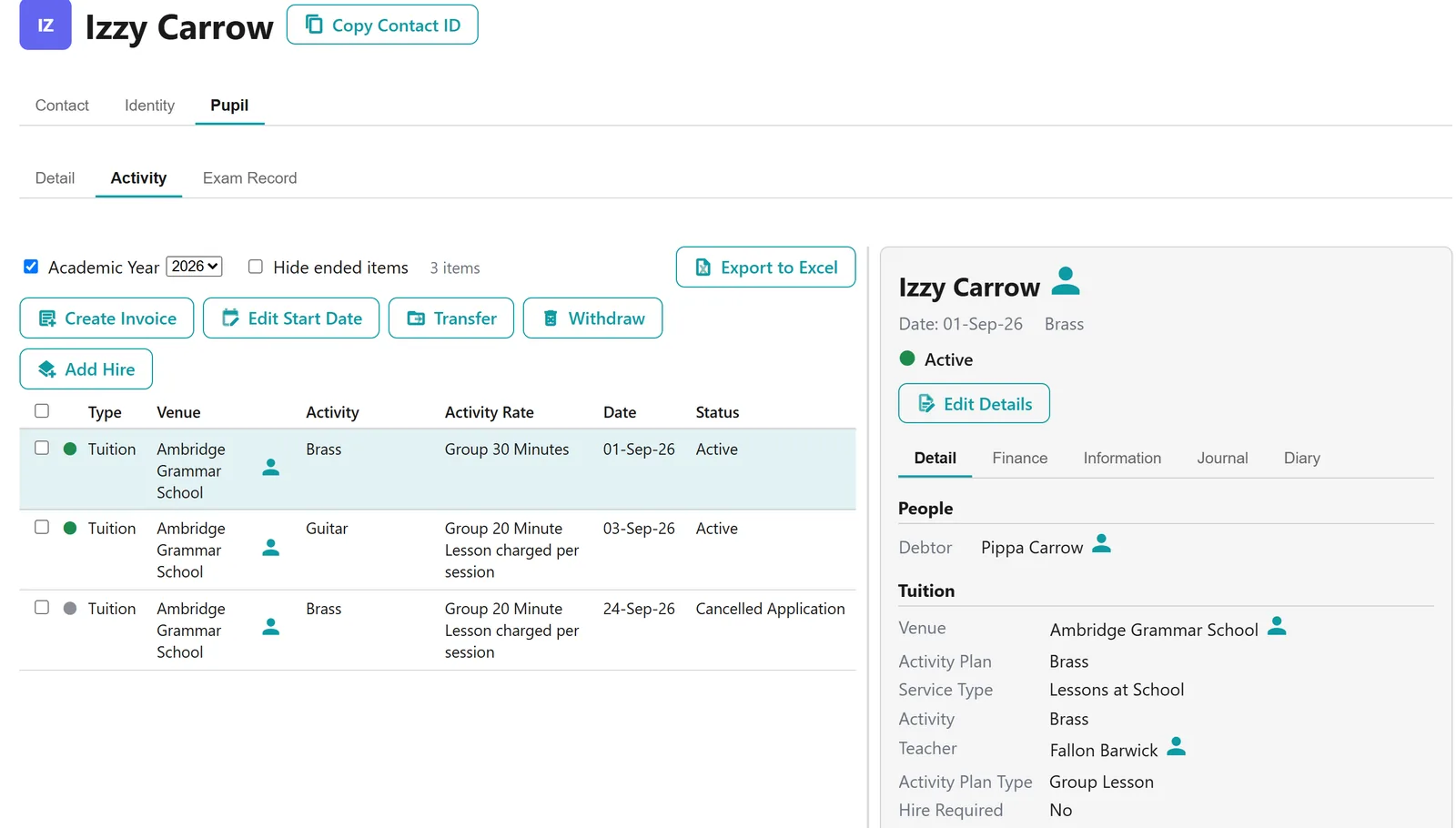
Every Xperios customer uses Tuition. An activity is something taught at a place – violin at St Mary’s on a Tuesday, or ballet at the studio on a Saturday – and carries its venue, teacher, timetable and cost. The office sets activities up and decides who is in them, teachers work from their own schedule, and parents apply and pay through the portal.
What Tuition does
Activities, lesson types and rates
An activity says what is taught, where, by whom and at what rate. Teaching can be one-to-one, shared, in a group or a whole class, at a school, a centre or a pupil’s home, and the lesson length is part of the rate – a “Group 20 Minute Lesson charged per session”, for example – so it can differ from term to term.
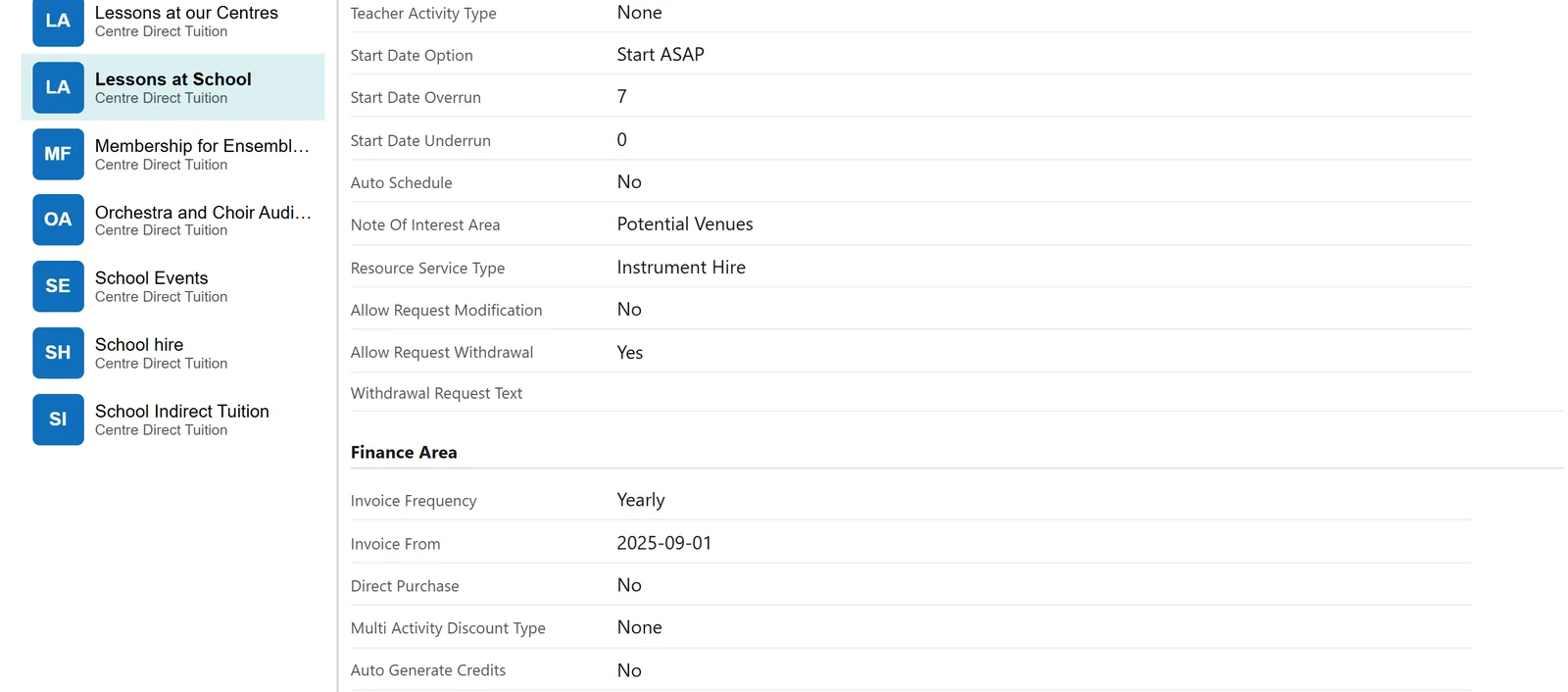
Each activity belongs to a service type, which sets the rules around it: how and when it is invoiced, which emails go out to families, and whether parents may ask for a change or a withdrawal.
Applications and the waiting list
Applications arrive from the portal, or the office enters them itself – including a new pupil and the person paying, together. Anyone who can’t be placed yet waits on the waiting list until a place exists, then is offered one or moved straight into a lesson.
From the waiting list, the office drags an application onto a plan, chooses when the pupil starts and the rate, and sees exactly what will happen before committing. Where you allow it, teachers accept applicants from the waiting list in the teacher portal. Each service sets when new pupils start, offers expire after the days you set, with reminders, and teachers see which pupils have yet to confirm for next year. Lessons and instrument hire can be requested in one application.
Timetables for teachers and schools
Teachers work from their own schedule, which can be fixed lessons or a block of time that pupils take slots within. Each school has its own schedule for the year as well, so a venue’s timetable can be seen apart from any one teacher’s.
Registers and make-ups
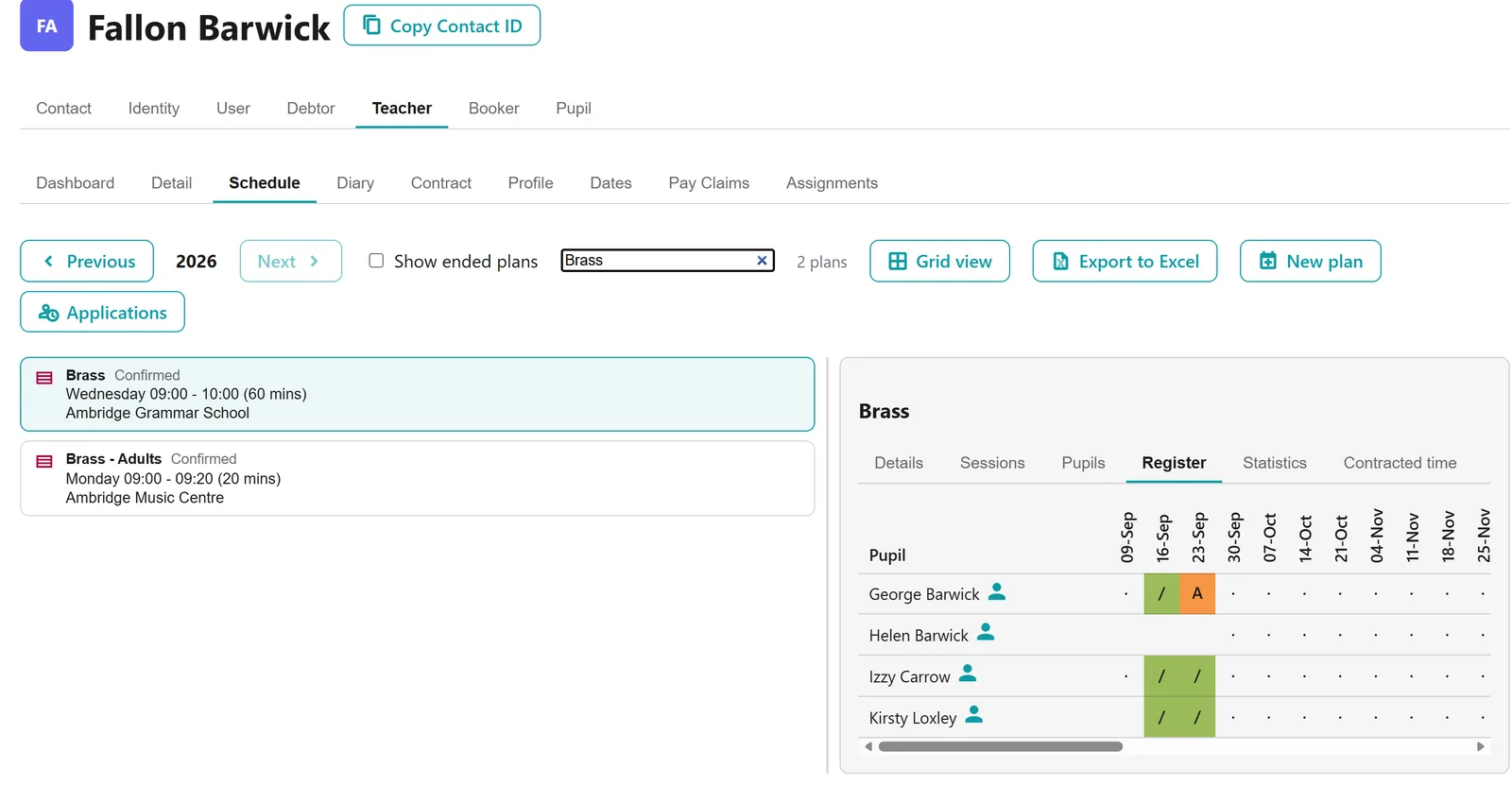
Teachers mark registers from the portal, and Xperios can chase the ones still outstanding. You can insist that a register is marked before the teacher claims pay for that lesson. Where a lesson has to be made up, Xperios offers a make-up session and moves the pupils to it, with their register marks cleared.
Each lesson’s outcome decides whether the teacher is paid, the pupil is charged and a make-up is owed. When a pupil misses a set number of lessons in a row with no reason, the payer is emailed each week, and parents can report an absence in advance from the portal or the app.
Transfers, withdrawals and progression
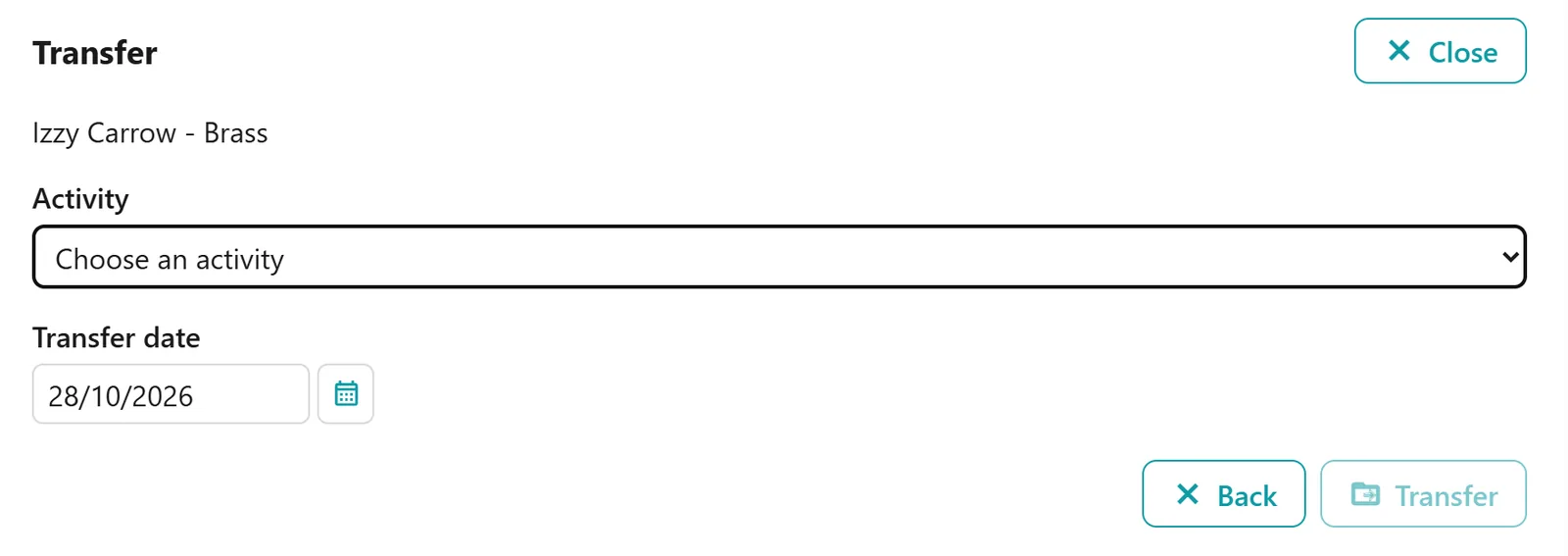
Pupils can transfer to another activity – a different day, teacher or school – leave from a date, or progress into the next academic year with their rate and discounts. A transfer or a progression starts a new record and leaves the old one finished; a withdrawal puts an end date on the record that is already there. Either way the history up to the change stays correct. In the schedule, you can transfer a pupil by dragging them onto another plan.
Charging
Lessons invoice through Xperios’s finance, with remissions, subsidies and discounts taken off as you set them up, and free school meals once a payer’s eligibility has been checked. Parents can pay termly or monthly in instalments, up to the number of monthly payments you allow, collected automatically where your payment provider supports it. Schools can be billed too, under a service level agreement that bills nothing until it is released, and signed too where you require that.
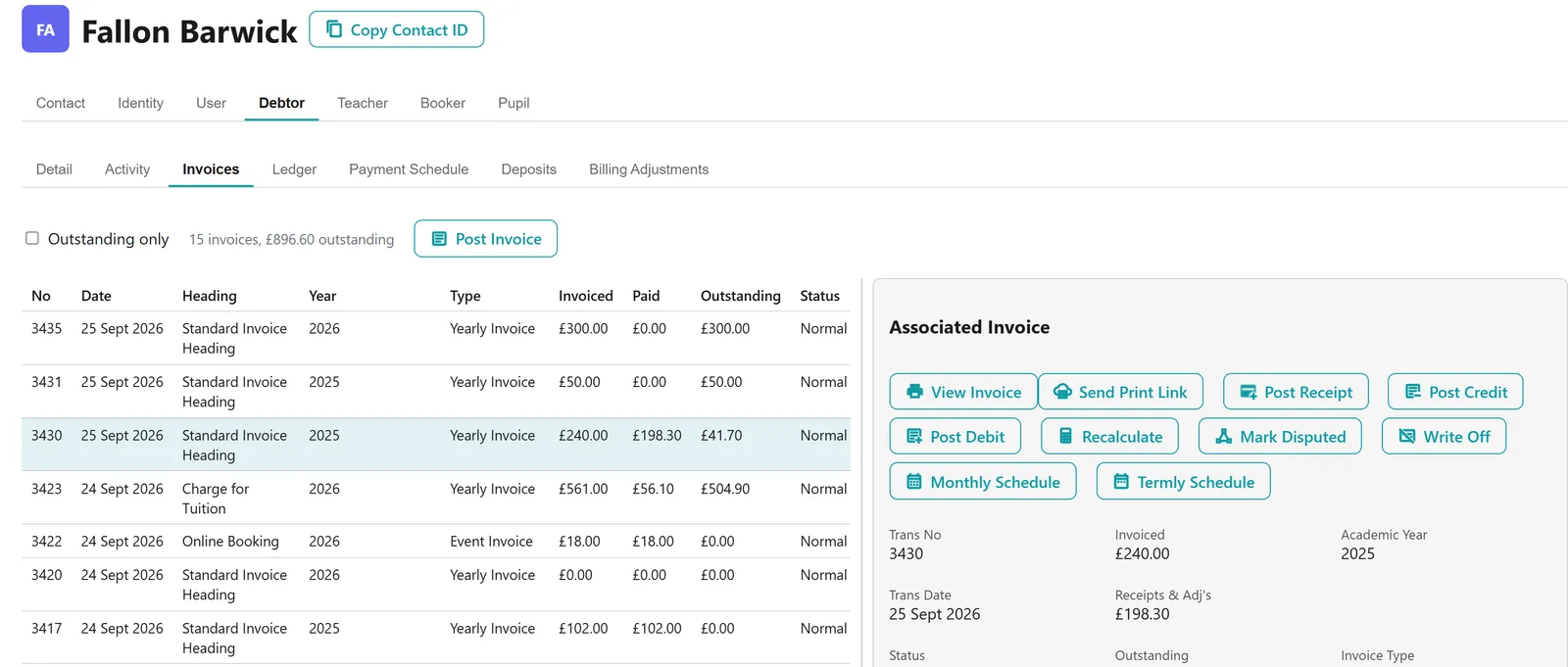
A transfer doesn’t change any invoice by itself. If money should come off the old one, you post a credit, and Xperios then uses it against whatever the same payer owes on their other bookings.
Sibling discounts, discounts on a pupil’s second and later activities, and discount codes are worked out for you, and the first term or year can be made free.
Teachers’ contracts, pay and permissions
Xperios can hold teacher contracts and handle pay claims, including how far back a claim may reach. You decide how much teachers may do for themselves – change lesson times or lengths, update pupil details, or transfer pupils within the same school – with each permission set for the whole service.
Tuition in the Xperios guide →
Every module is built on the Xperios Framework, which shares its contacts, portals,
finances and reports with every other module: see Features.
See Xperios with your own service in mind.
Book a demonstration and we will show you Xperios working the way your organisation does, and answer your questions about moving your data across.