Exams
Exams manages the graded exam process run with external boards – in music, dance, drama or any other subject with graded exams. The office sets up a session, pupils are entered against a board and a subject, and the entry fees are charged through the normal finance. Parents can enter through the portal.

What Exams does
Sessions with an entry window
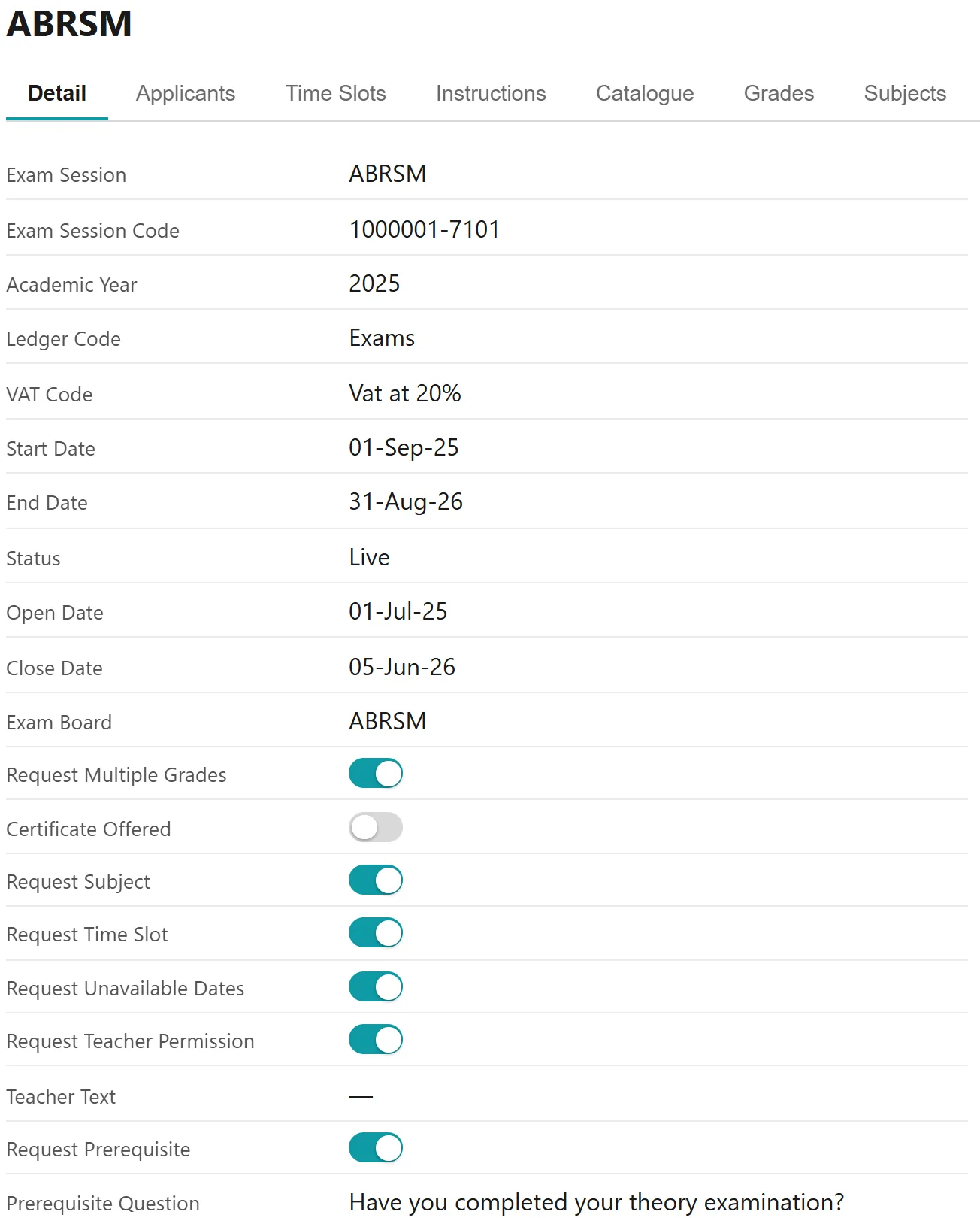
A session groups the entries for a sitting, with its dates and the window in which parents may enter, and is archived once it is done. Upcoming sessions appear in your public catalogue.
Boards and subjects
Xperios holds the exam boards and the subjects each one offers, and a session can ask which grade and subject a pupil is entering for, so an entry records what is actually being taken rather than free text.
Time slots and dates they can’t do
A session can ask applicants to choose a time slot, each with its own number of places, and to say which dates they can’t attend, so you have that before you allocate the slots.
The right entries, first time
Ask what you need before an entry goes ahead: the teacher’s permission, or whether a prerequisite such as a theory exam has been passed.
Entries from the portal
Parents enter their child through the portal where the service allows it, and the office follows each entry’s status and can email entrants in bulk.
Fees charged and followed up
Entry fees invoice alongside tuition, so a family sees one account, and can be paid online when entering. Unpaid fees are chased for you on a cycle you set.
Exams in the Xperios guide →
Every module is built on the Xperios Framework, which shares its contacts, portals,
finances and reports with every other module: see Features.
See Xperios with your own service in mind.
Book a demonstration and we will show you Xperios working the way your organisation does, and answer your questions about moving your data across.